 Lazzy
LazzyRun your own AI crew on your PC for free — Mac, Windows or Linux
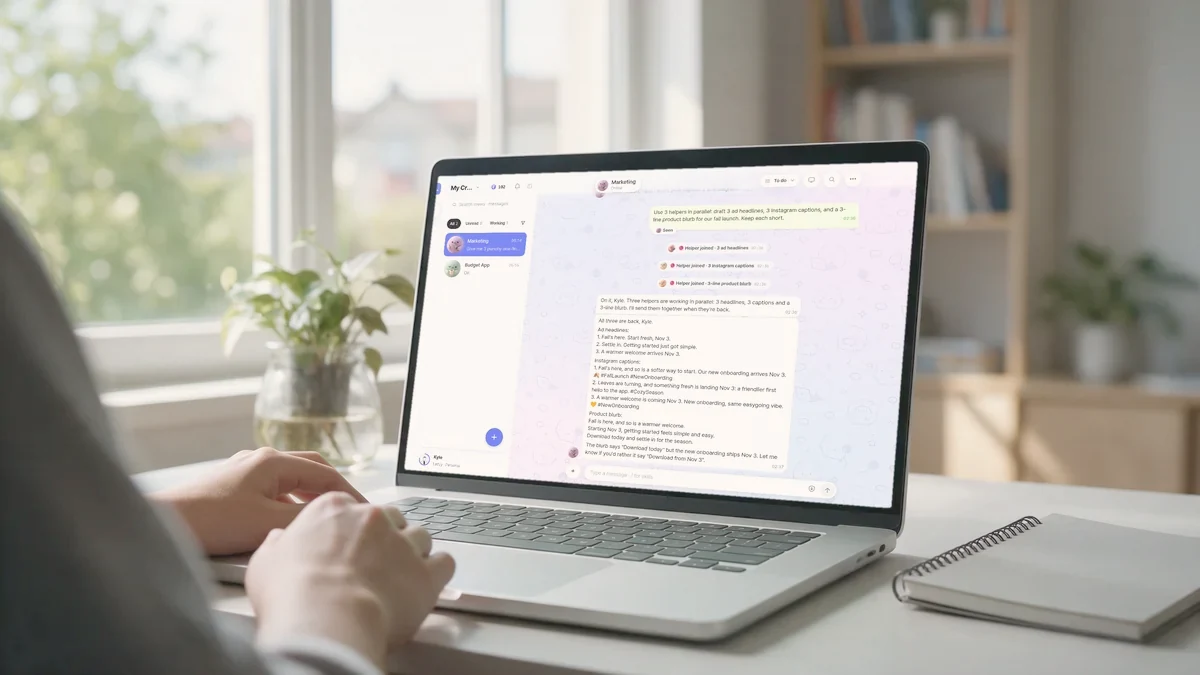
Most AI agents run on their maker's cloud computers and come bundled with their maker's paid plan. Lazzy works the other way around: your crew runs on your computer and uses your AI plan. Lazzy itself costs $0 when you do it this way.
This guide takes about ten minutes.
What you need
- A Mac, Windows or Linux computer you can leave on while your crew works — a laptop, a home PC, a Mac mini or a server you rent all work.
- A paid AI plan you already have: Claude Pro / Max or ChatGPT Plus / Pro. Your crew uses it to think, so you keep paying that provider as usual. There's no extra AI bill from Lazzy.
1. Sign up and pick "your own computer"
Go to lazzy.chat and press Start free. After you sign in with Google or your email, Lazzy asks where your crew should run. Pick your own computer.
2. Connect the computer
You have two ways to do it:
- The Lazzy app (Mac and Windows) — download it, install it, open it and click Connect this computer. Keep the setup page open; it connects within about a minute after the app starts.
- One command (Mac or Linux) — copy the command shown on screen and run it in Terminal. Handy for servers.
When it's done you'll see This computer is connected. You can give the computer a name, which you'll use later when you add more crews.
3. Connect your AI
Next, connect the AI plan you already have — Use your Claude Pro / Max or Use your ChatGPT Plus / Pro — and sign in on the provider's page. You can switch the model later from the chat.
4. Give your crew its first job
Create your first crew, say hi, and tell it what you want in plain words:
Make a simple page for my bakery with this week's specials.
Your crew does the work on your computer and reports back when it's done. Anything that costs money, goes public or is sent to other people waits for your one-tap approval first.
Good to know
- It runs while the computer is on. If your computer sleeps or shuts down, your crew pauses too. If you want it working around the clock without your computer, Lazzy Cloud ($50/mo) runs your crew on a server we run for you, with Lazzy AI included. You can cancel anytime.
- You chat from anywhere. Your crew lives on your computer, but you talk to it from your phone, desktop or the web.
Your PC. Your AI. Free.
Tell it in plain words. It reports back when it's done.